6 illustrated guides
V380 & V380 Pro User Manual
Find instructions for camera setup, connections, recording and playback. Choose the guide that matches your camera or Windows computer.
Camera setup & mobile app
Start here to connect your camera and learn the V380 mobile app.
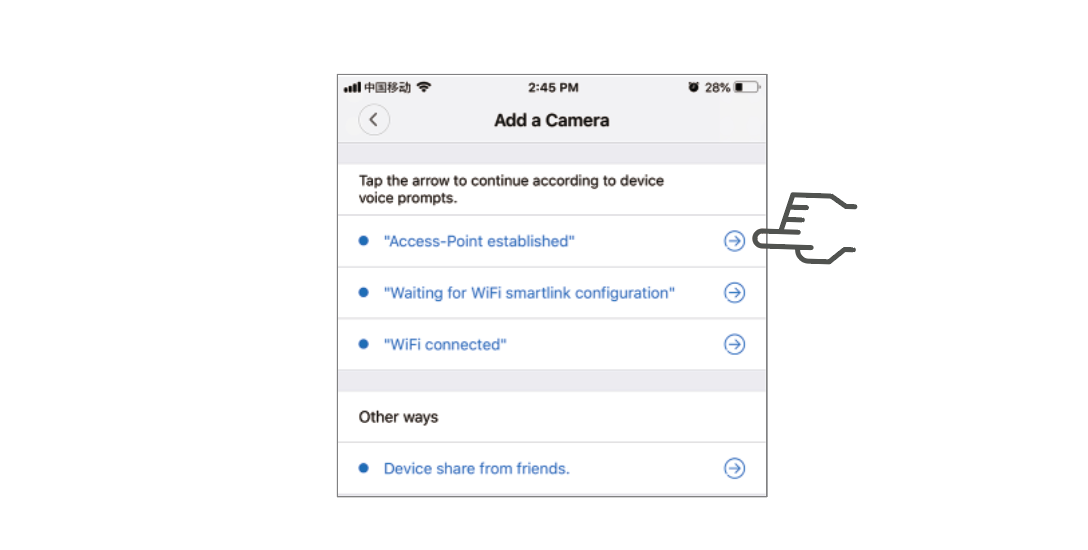
V380 & V380 Pro camera user manual
Reset your camera, connect to Wi-Fi, use the mobile app, and find instructions for cloud storage, alarms and playback.
Read the camera manualV380 Pro For PC User Manual
Install the Windows client, connect your cameras, and learn recording, playback and alarm settings.
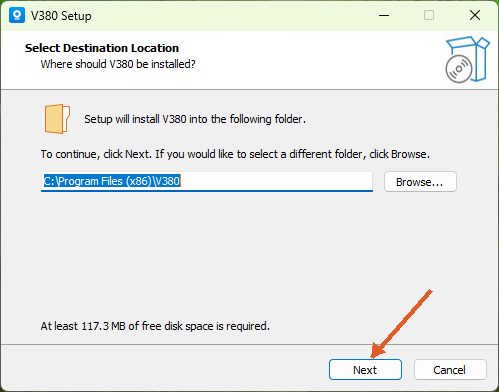
Install & connect your camera
Follow the Windows installer, sign in and connect a camera through your account, device ID or LAN search.
Read the guide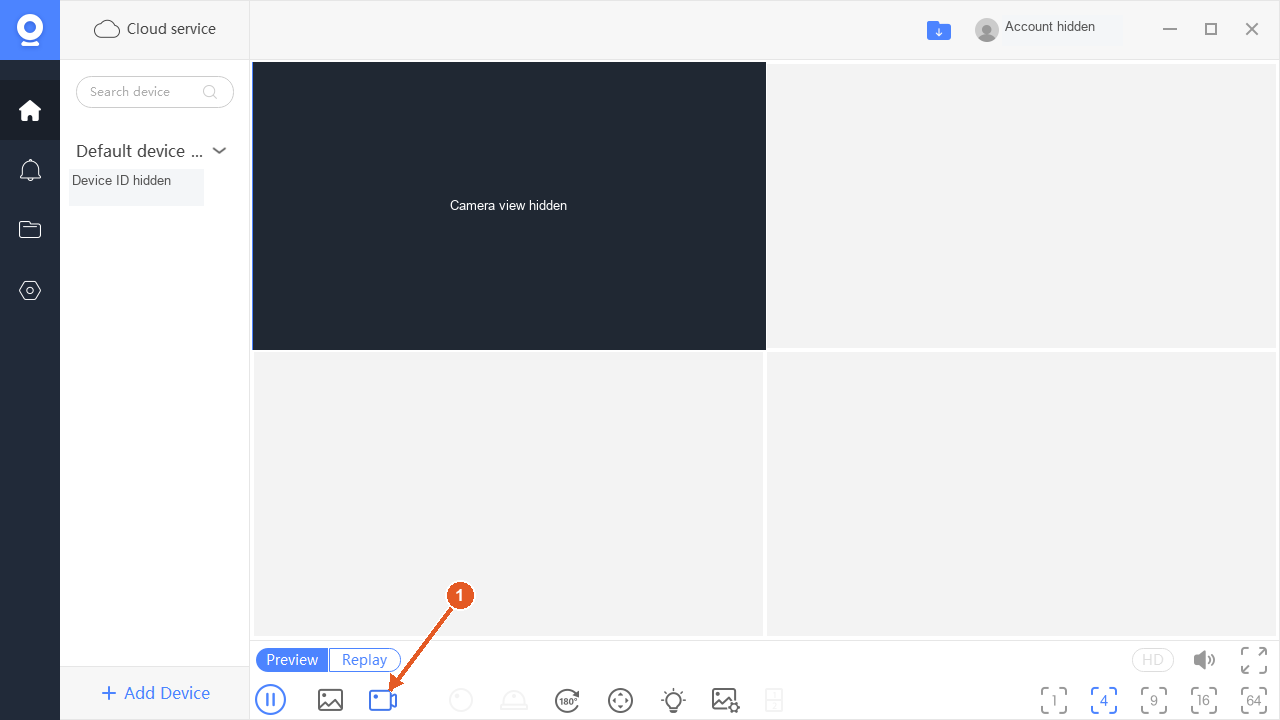
Record video & save screenshots
Save live video and screenshots, choose PC storage folders and understand memory-card and loop recording.
Read the guide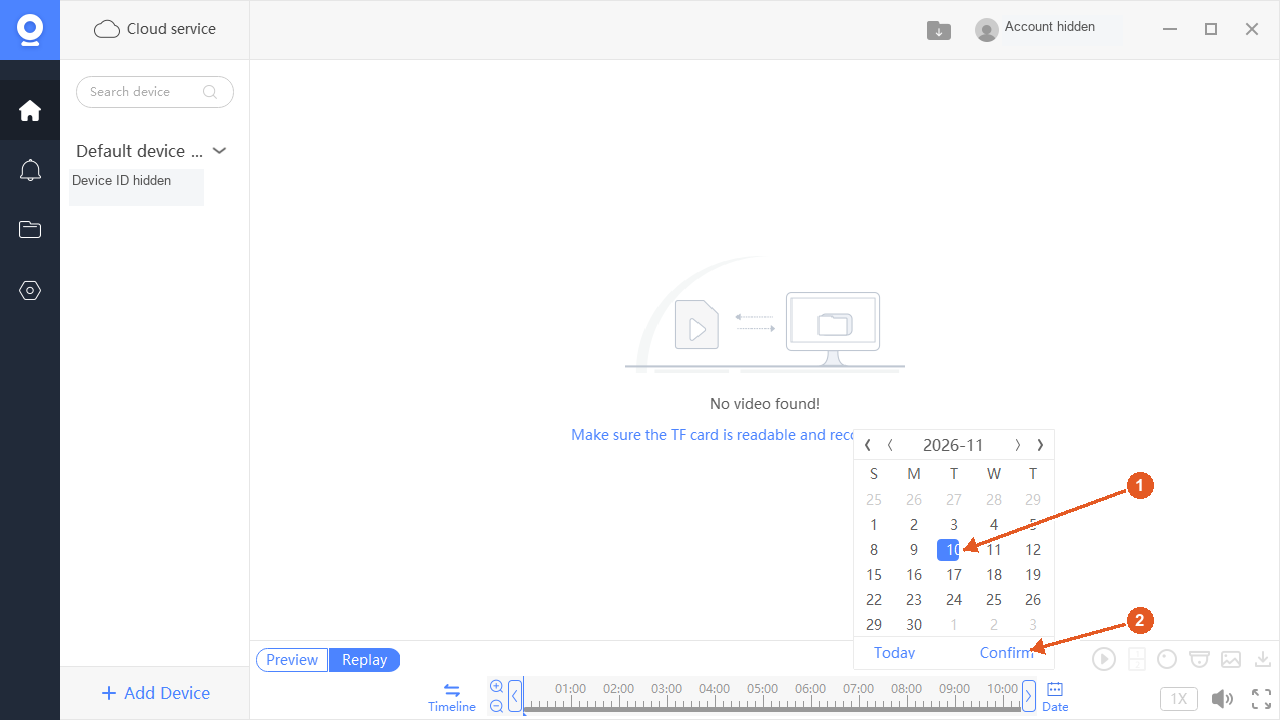
Find & play your recordings
Find recordings on the computer, camera memory card or cloud, then select the date and time you need.
Read the guide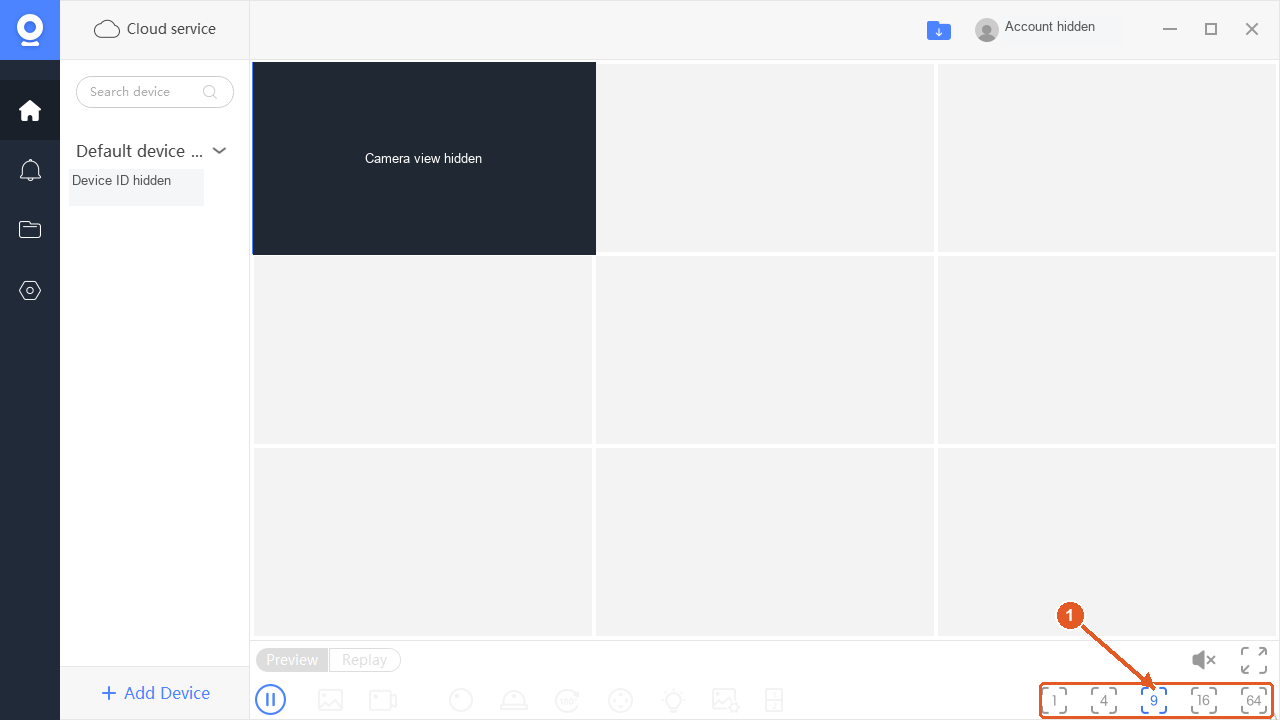
View & manage multiple cameras
Choose a viewing layout, adjust live video and organize your cameras with names and groups.
Read the guide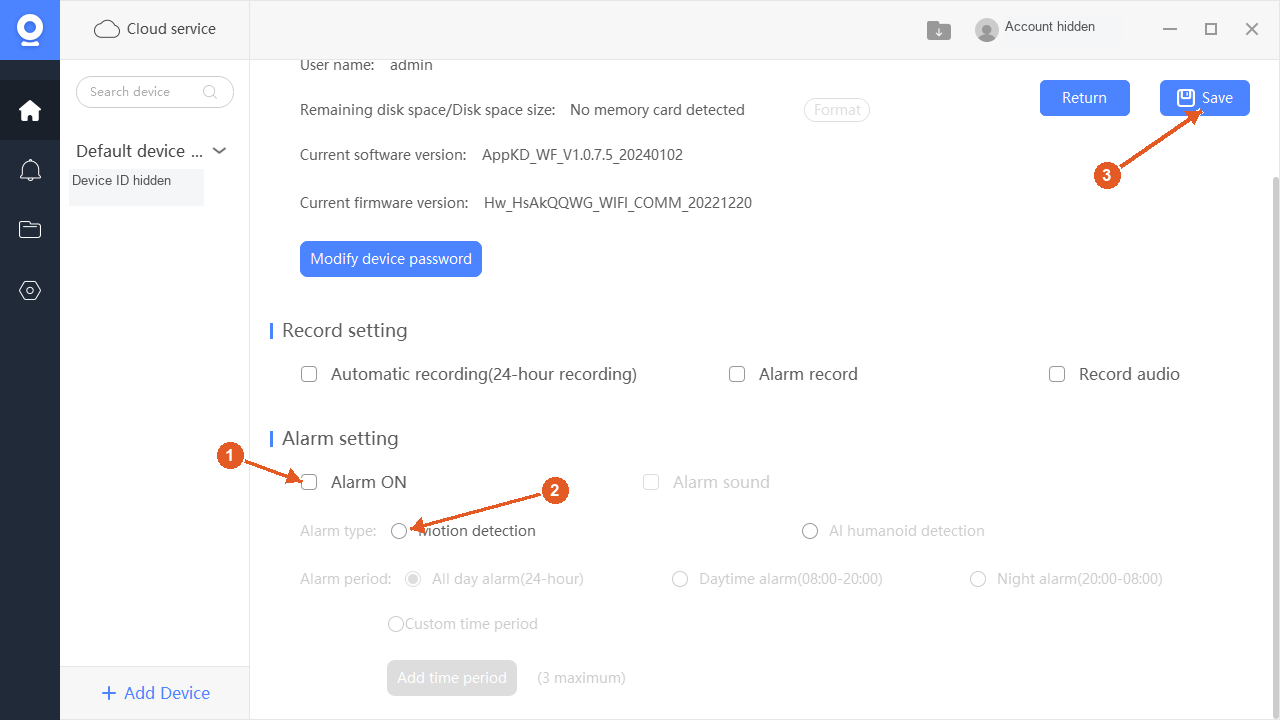
Set up motion detection & alarms
Configure supported motion detection, choose an alarm period and review PC notification settings.
Read the guide